Add Mermaid Diagrams
1 min read
This guide helps you add Mermaid diagrams to your Starlight documentation site using rehype-mermaid.
Step-by-step Guide
Section titled “Step-by-step Guide”-
Install dependencies
First, install
rehype-mermaidand Playwright (required for rendering):Terminal window npm add rehype-mermaid playwright playwright-chromiumTerminal window pnpm add rehype-mermaid playwright playwright-chromiumTerminal window yarn add rehype-mermaid playwright playwright-chromiumTerminal window bun add rehype-mermaid playwright playwright-chromium -
Configure Astro
Update your
astro.config.mjs:astro.config.mjs import { defineConfig } from "astro/config";import starlight from "@astrojs/starlight";import rehypeMermaid from "rehype-mermaid";export default defineConfig({markdown: {syntaxHighlight: {type: "shiki",excludeLangs: ["mermaid", "math"],},rehypePlugins: [rehypeMermaid],},integrations: [starlight({customCss: ["./src/styles/mermaid.css"],}),],});
Example Usage
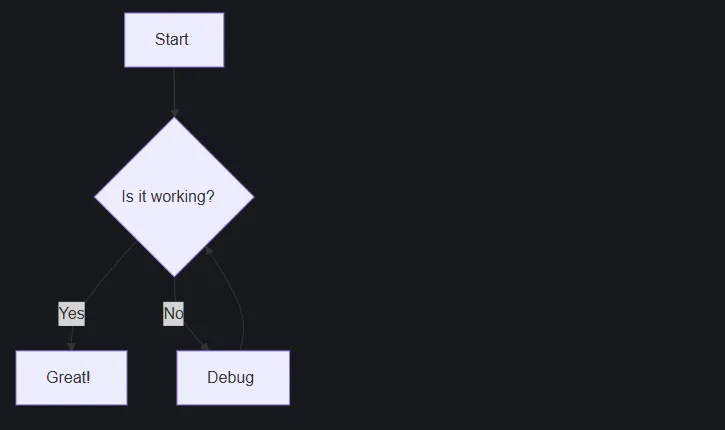
Section titled “Example Usage”Create a sample file like src/content/docs/example.mdx and include the following:
```mermaidgraph TD A[Start] --> B{Is it working?} B -->|Yes| C[Great!] B -->|No| D[Debug] D --> B```The diagram above will render like this: